
Ghosteel Terminal


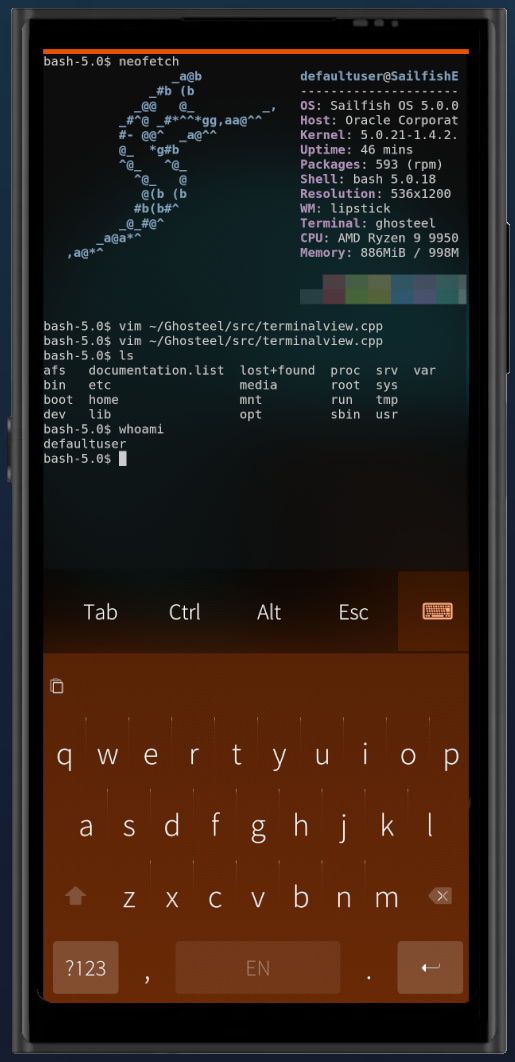
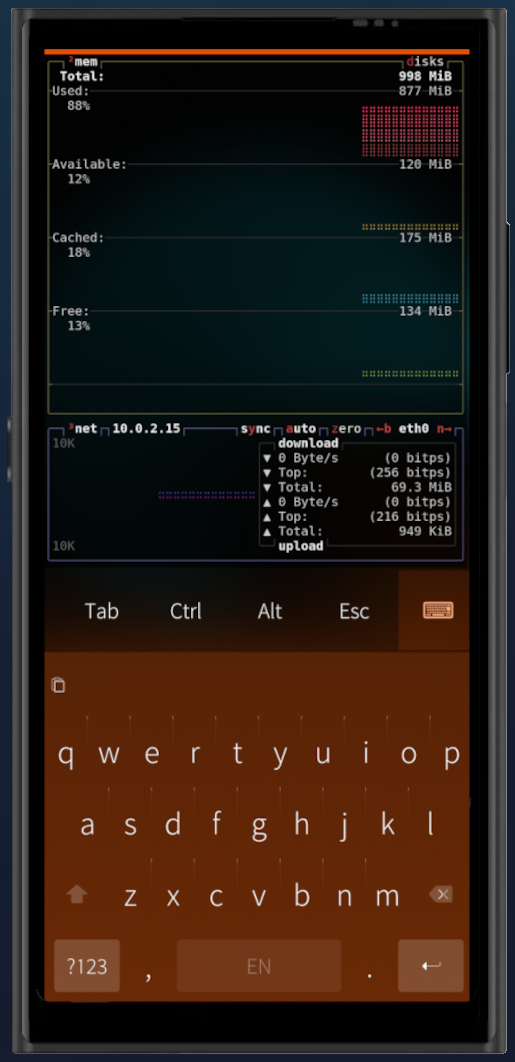
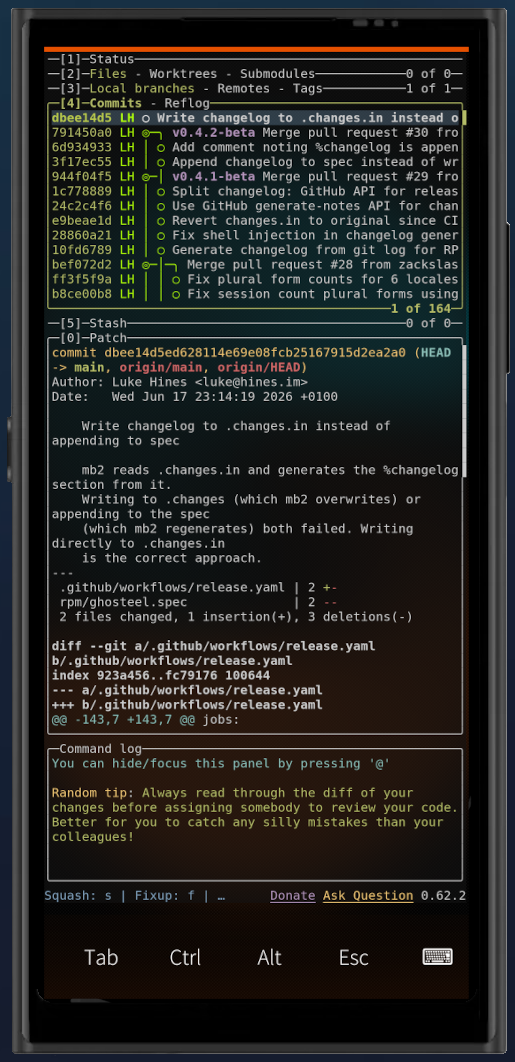
Ghosteel brings a modern terminal engine to SailfishOS. Most mobile terminals use legacy VT parsers that struggle with complex TUI apps. Ghosteel uses the same engine that powers Ghostty, giving you accurate rendering for tmux, neovim, htop, and other TUI applications.
- Ghostty VT engine with full escape sequence support, 24-bit truecolor, alternate screen buffer
- GPU rendering via OpenGL ES 2.0/3.0 with cursor trail shaders
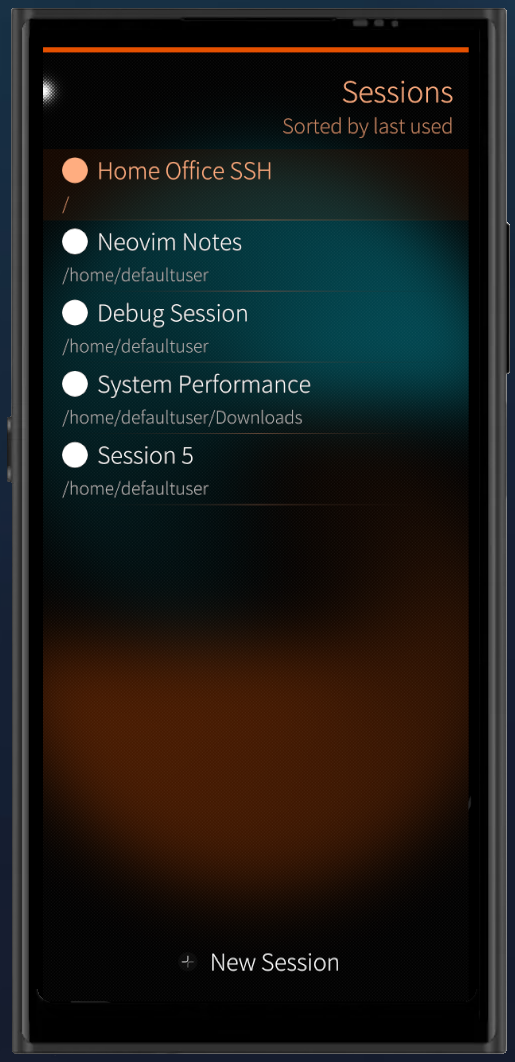
- Multi-session support with named sessions, switching, and persistence
- Touch text selection with Sailfish-style magnifier and double/triple tap
- Configurable extra keys bar with sticky Ctrl/Alt modifiers, arrow keys, F1-F12, PgUp/PgDn
- Automatic URL detection and hyperlinks, tap to open in browser
- Inline images via Kitty Graphics Protocol with PNG decoding
- Encrypted scrollback using AES-256 via Sailfish Secrets (configurable 7-365 day retention)
- Dark and Light color schemes with adjustable opacity
Source code: github.com/zackslash/Ghosteel
License: MIT
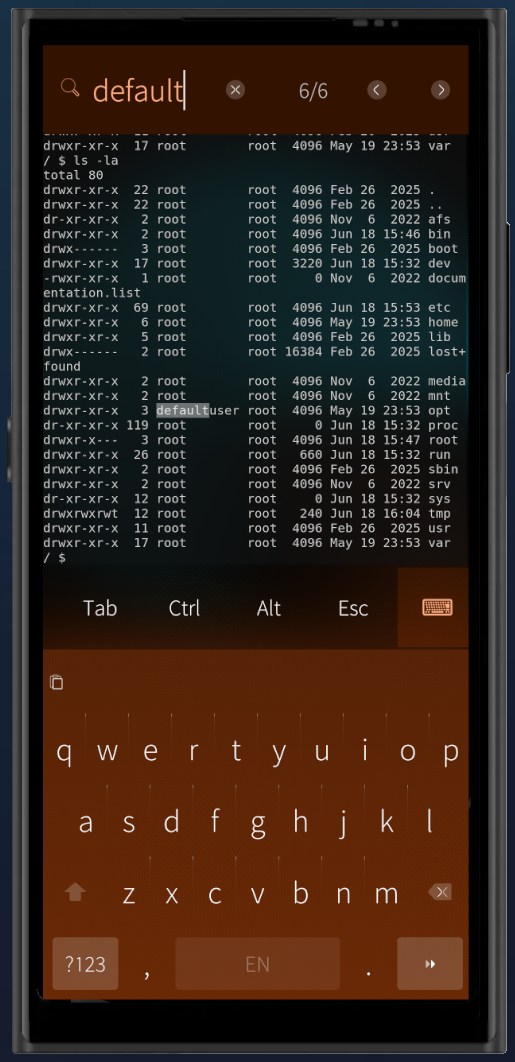
Screenshots:
Category:
Application versions:
| Attachment | Size | Date |
|---|---|---|
 ghosteel-0.4.4.beta-1.armv7hl.rpm ghosteel-0.4.4.beta-1.armv7hl.rpm | 816.55 KB | 19/06/2026 - 00:10 |
| ghosteel-0.4.4.beta-1.aarch64.rpm | 793.28 KB | 19/06/2026 - 00:10 |
| ghosteel-0.4.4.beta-1.i486.rpm | 871.33 KB | 19/06/2026 - 00:10 |
| ghosteel-0.5.1.beta-1.armv7hl.rpm | 822.36 KB | 21/06/2026 - 15:18 |
| ghosteel-0.5.1.beta-1.aarch64.rpm | 800.74 KB | 21/06/2026 - 15:18 |
| ghosteel-0.5.1.beta-1.i486.rpm | 878.66 KB | 21/06/2026 - 15:18 |
Changelog:
v0.5.1-beta:
- OSC 52 clipboard support (vim/tmux/neovim can read/write system clipboard)
- Pinch-to-zoom with per-session font size
- Keybar scroll indicator with flash on open
- Keybar no longer closes on drag
- Keyboard drag-dismiss no longer kills hardware keyboard input
- Fix startup crash on reopen with background processes
- Keyboard is now last entry in default keybar
v0.4.4-beta: First OpenRepos release
- Ghostty VT engine with 24-bit truecolor and full escape sequence support
- GPU-accelerated rendering via OpenGL ES 2.0/3.0
- Multi-session support with persistence
- Touch text selection with magnifier
- Configurable extra keys bar
- Automatic URL detection and hyperlinks
- Kitty Graphics Protocol inline images
- Encrypted scrollback
- Dark and Light color schemes with adjustable opacity
Comments
ziellos
Mon, 2026/06/22 - 15:43
Permalink
Great terminal with some really useful features.
What I am missing is the possibility to scroll the terminal's output. What am I doing wrong?
zackslash
Mon, 2026/06/22 - 15:54
Permalink
Hey Ziellos,
Thanks for the kind words!
Scrolling through terminal output is supported; use a two-finger drag on the terminal area. However, if you run into any issues with that working, please open a bug report on the GitHub repo (please include your device model) and I will ensure to take a look.
kan
Mon, 2026/06/22 - 12:12
Permalink
Is there any way to run Ghosteel terminal with a parameter?
zackslash
Mon, 2026/06/22 - 12:20
Permalink
Hey Kan, yes, you can set an 'Autorun command' on a per-session basis. Long-press on a session in the session list and select 'Autorun command' from the context menu. You can enter any shell command (e.g. top) and it will automatically run when that terminal session opens in-future.
kan
Mon, 2026/06/22 - 20:23
Permalink
Thank you for your reply but this is not what I need. I am looking for a solution like "-e" switch in fingerterm, to be able create a .desktop file for runnig terminal apps from a grid. Just like in Arcanechat TUI. At the moment I am using fingerterm but looking for a terminal with a better keyboard.
zackslash
Mon, 2026/06/22 - 20:34
Permalink
Ah I see, that's a great use case. I can see how a param for a .desktop file would be really useful.
I'm going to investigate adding this to the next release. The idea would be something like `ghosteel -e htop` to launch directly into a terminal session running that command, with optional `session` param too so the same desktop icon always opens the same ghosteel session.
Thanks for the feedback!